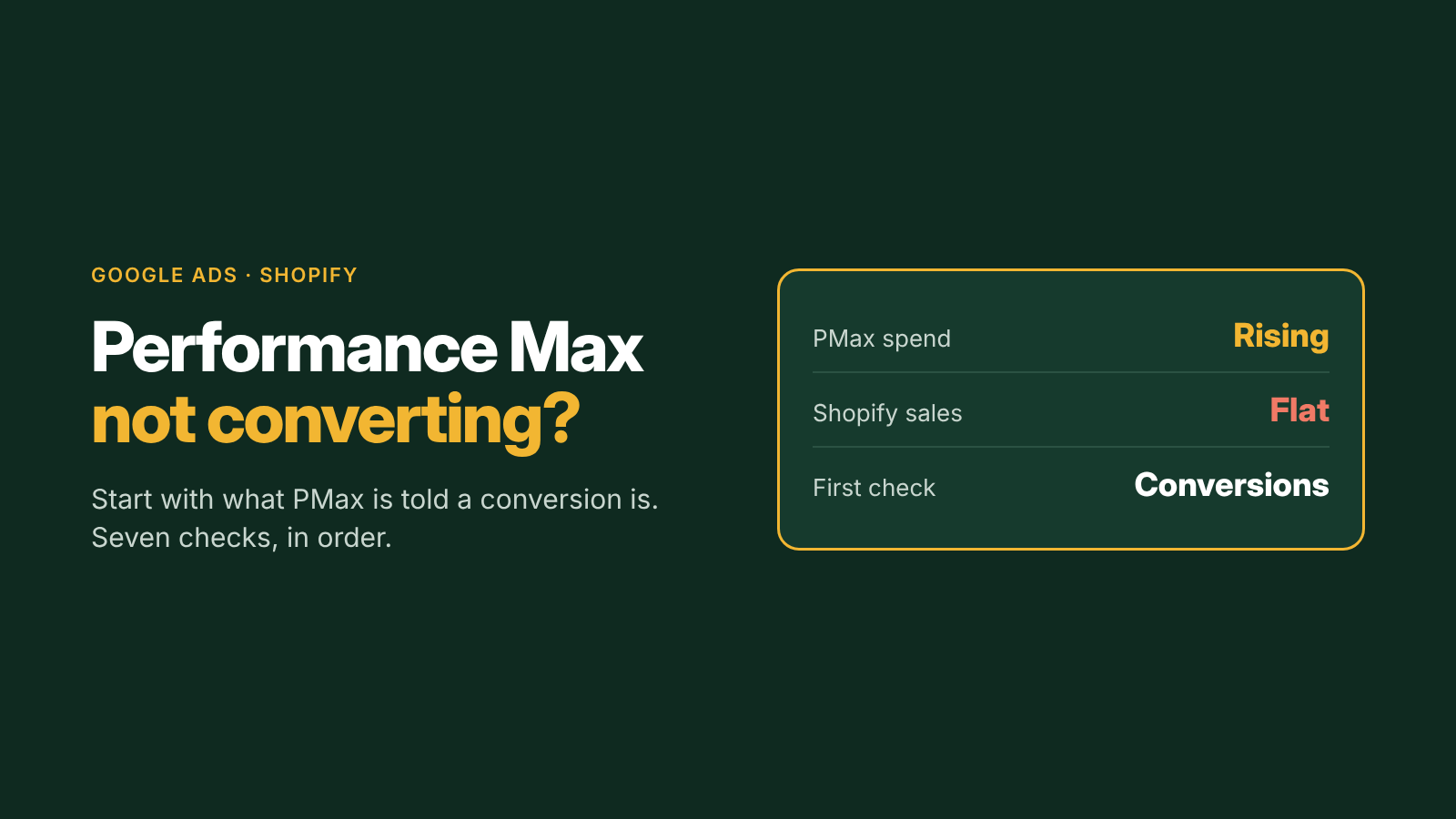
Performance Max is spending your budget, Google reports conversions, and Shopify sales haven't moved. Or PMax just isn't producing sales at all. Because PMax hides so much of what it does, founders tend to blame the campaign type. Most of the time, the cause is something you can check.
The short answer
When Performance Max isn't converting for a Shopify store, check what it's being told a conversion is, then the product feed, then budget and targets, and only then the assets. PMax optimizes toward whatever conversion data it receives, shows only products the feed lets it show, and needs enough budget and conversion history to learn.
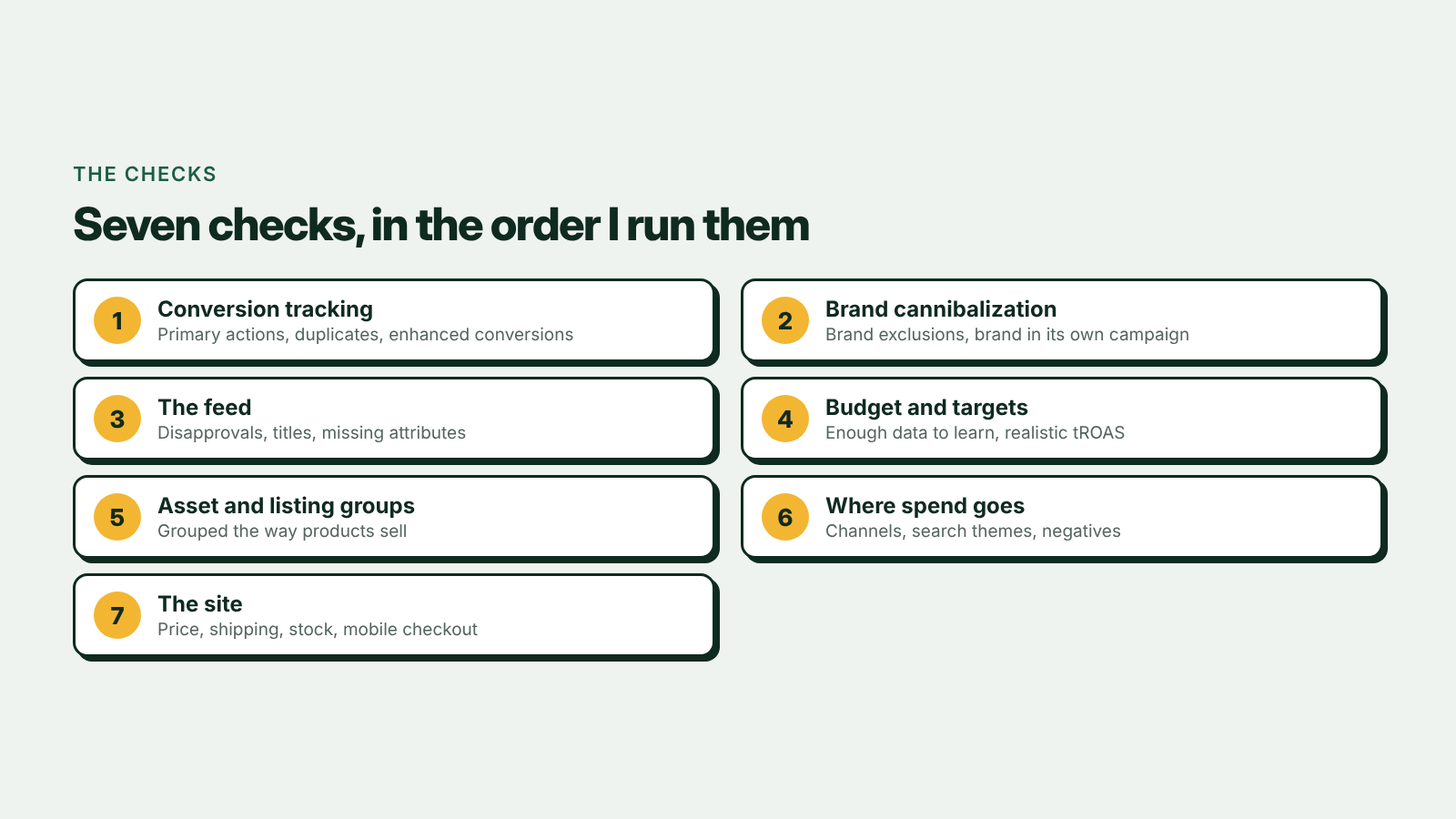
Seven checks, in the order I run them
1. Is PMax optimizing for real purchases?
In Google Ads, check which conversion actions are set as primary. A common setup counts the same purchase twice, once from the Google Ads tag and once imported from GA4, or counts add to carts and page views as conversions. PMax then chases the cheapest action it's told about. Compare Google Ads purchases with Shopify orders for the same days, and turn on enhanced conversions so more purchases are matched accurately. My setup walkthrough is in How Do I Connect Google Ads to Shopify Using Claude?
2. Is it living off your brand name?
If PMax reports good ROAS but new customers aren't growing, it may be collecting people who searched for your brand and would have bought anyway. Google lets you add brand exclusions to Performance Max. Put brand in its own small search campaign so it's reported separately. That's the structure in Google Ads Setup for Shopify in 2026.
3. Is the feed letting it show the right products?
For a Shopify store, the Merchant Center feed is most of the targeting. Check for disapproved products, best sellers with limited visibility, vague titles and missing attributes like size, colour and material. A product that isn't approved can't sell through Shopping placements, however good the campaign is.
4. Are budget and targets realistic?
PMax needs enough conversions to learn. A small budget split across several asset groups, or a target ROAS set well above what the account has achieved, can starve it until it barely spends or spends in the wrong places. Raise targets gradually, and give changes time; judging PMax on a few days of data leads to constant resets.
5. Are asset groups and listing groups set up sensibly?
Group products in a way that matches how they sell, such as best sellers, high margin and the rest, rather than one asset group with the whole catalogue. Give each group real images, video and copy for those products. Weak, generic assets mostly hurt on YouTube and Display placements.
6. Where is the spend actually going?
Use PMax's reporting to see which channels, search themes and products get the budget. If most spend goes to placements with no sales, or search terms that have nothing to do with what you sell, tighten it with negative keywords and search themes. Google lists the controls available in its Performance Max overview.
7. Is the site the problem?
If clicks are relevant and nothing converts, look at the landing pages: price against competitors shown next to you in Shopping, shipping costs, stock, reviews and mobile checkout. Paid traffic that bounces from a product page is a store problem, not a campaign problem.
How to tell which one it is
| What you see | Most likely cause |
|---|---|
| Google reports far more conversions than Shopify has orders | Conversion setup (check 1) |
| Good ROAS, no growth in new customers | Brand cannibalization (check 2) |
| Low impressions on best sellers | Feed problems (check 3) |
| Campaign barely spends | Target or budget too tight (check 4) |
| Spend on unrelated searches or placements | Asset groups and controls (checks 5 and 6) |
| Relevant clicks, no sales | The site (check 7) |
Performance Max still not paying back? The $400 Google Ads audit checks all seven, plus the Merchant Center feed, with a written fix list in 3 business days. Or book a free call first.
Book a call
In 30 minutes I'll look at your Google Ads account and your Shopify numbers and tell you what I'd fix first. How I run accounts is on Google Ads for Shopify.