Most Shopify Google Ads accounts I audit have one of two setups. Either a single Performance Max campaign is doing everything, so nobody can tell new customers from people who were already going to buy, or there are years of old search campaigns nobody has looked at in months. Both look fine in Google's reporting. Neither tells you whether Google is actually growing the store.
This is the structure I use instead. It's three campaigns, and it's the same setup behind the Google results for Taylrd, Shift, Brooklyn Transfers and Lina Lennox further down this post.
The short answer
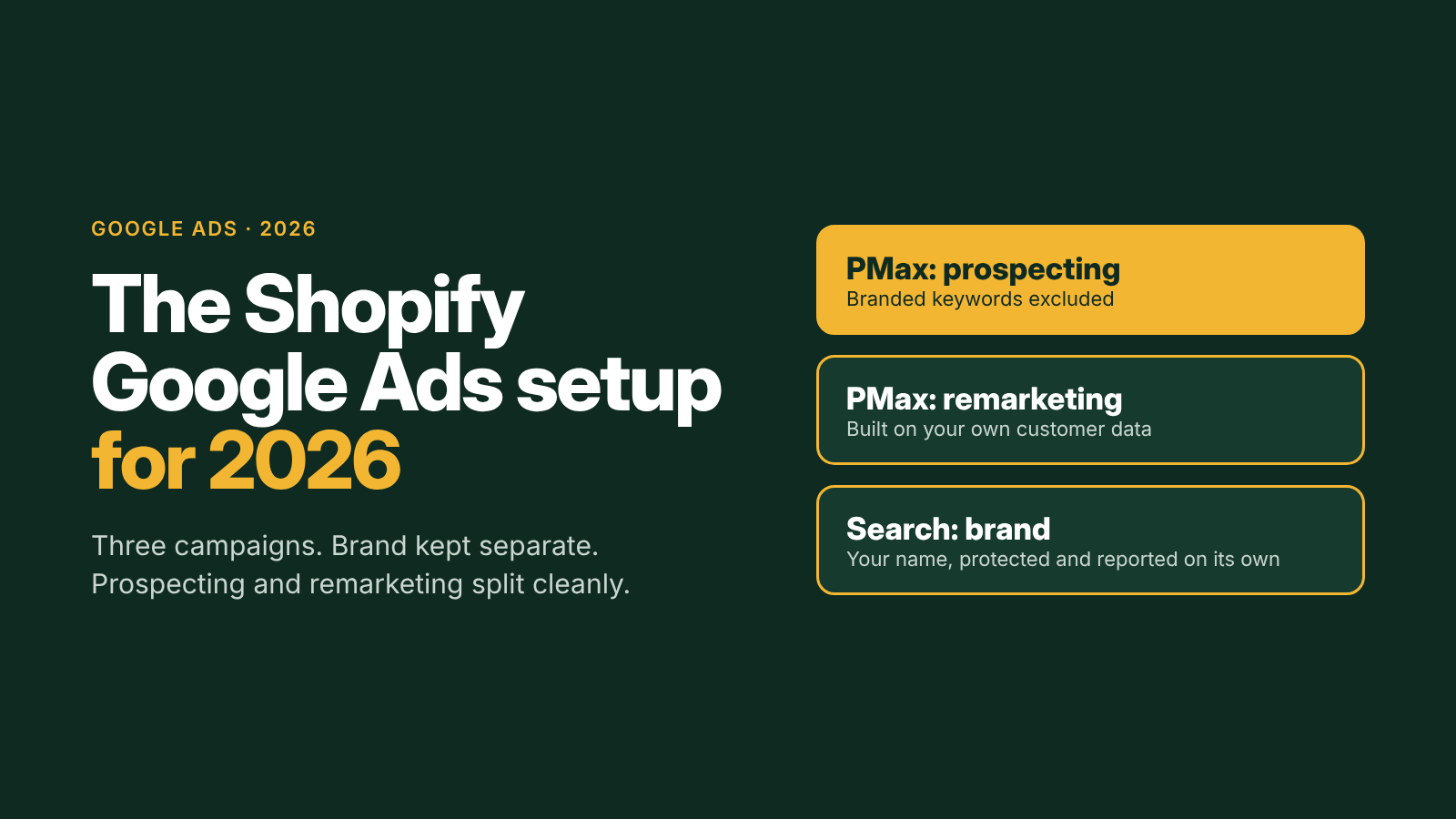
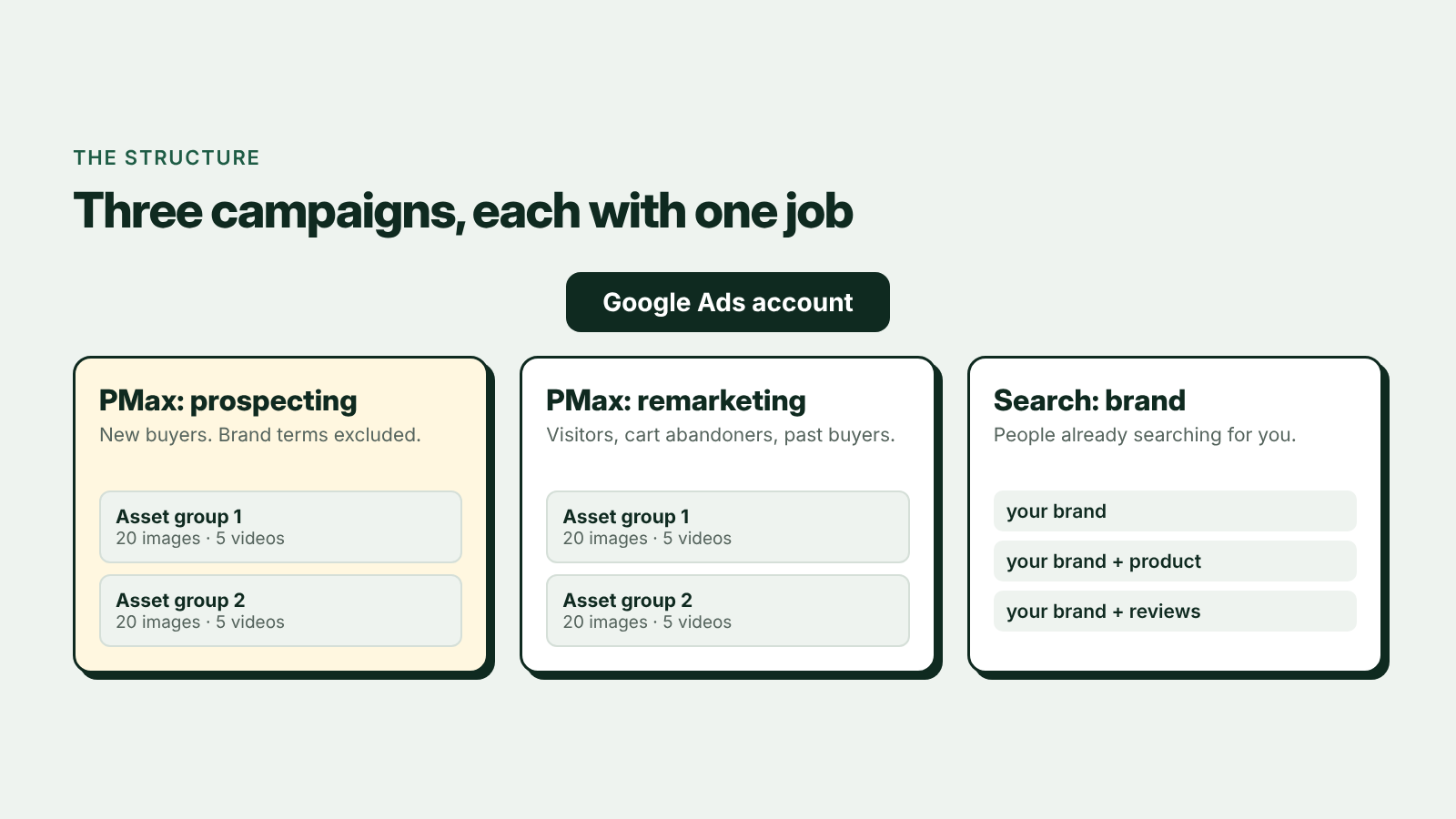
Run three campaigns, each with one job:
- Performance Max for prospecting, with your branded keywords excluded, so it has to find new buyers.
- Performance Max for remarketing, built only on your own data: site visitors, cart abandoners and past customers.
- A branded search campaign, so people already searching for you are captured cheaply and reported on their own.
Each Performance Max campaign gets two asset groups, and each asset group gets 20 images and 5 videos.
Why brand has to come out of prospecting
Left alone, Performance Max will happily spend on your own brand name. Those searches convert at a high rate because those people were already looking for you, so the campaign's ROAS looks excellent while it finds very few new customers.
Excluding brand from the prospecting campaign forces it to earn its results on non-brand searches, Shopping and the rest of Google's inventory. Google's brand exclusions for Performance Max handle this, and catch misspellings that a negative keyword list would miss. Brand then lives in its own search campaign, where it's cheap, protected from competitors bidding on your name, and kept on its own line in the report.
Why remarketing gets its own campaign
People who have visited, added to cart or bought before need a different message from someone who has never heard of you. They don't need an introduction. They need a reason to come back: reviews, the product they looked at, what to buy next.
Splitting remarketing out means each campaign gets its own budget and its own target, so a cheap remarketing win can't hide an expensive prospecting problem, or the other way round. Google's own new customer acquisition settings are built around the same idea: value new customers differently from returning ones.
Why two asset groups, 20 images and 5 videos
Performance Max builds ads from whatever you give it, across Shopping, YouTube, Display, Discover, Gmail and Search. Give it three images and no video and it fills the gaps itself, including auto-generated videos that rarely look like your brand.
Two asset groups per campaign let you split by product line or by angle, so each group's images, headlines and audience signals match each other. Twenty images is the cap per asset group. Five videos covers horizontal, square and vertical formats, including the vertical video YouTube Shorts needs. Google's asset group best practices explain the formats it wants.
What this setup has returned
| Brand | Category | ROAS from Google Ads |
|---|---|---|
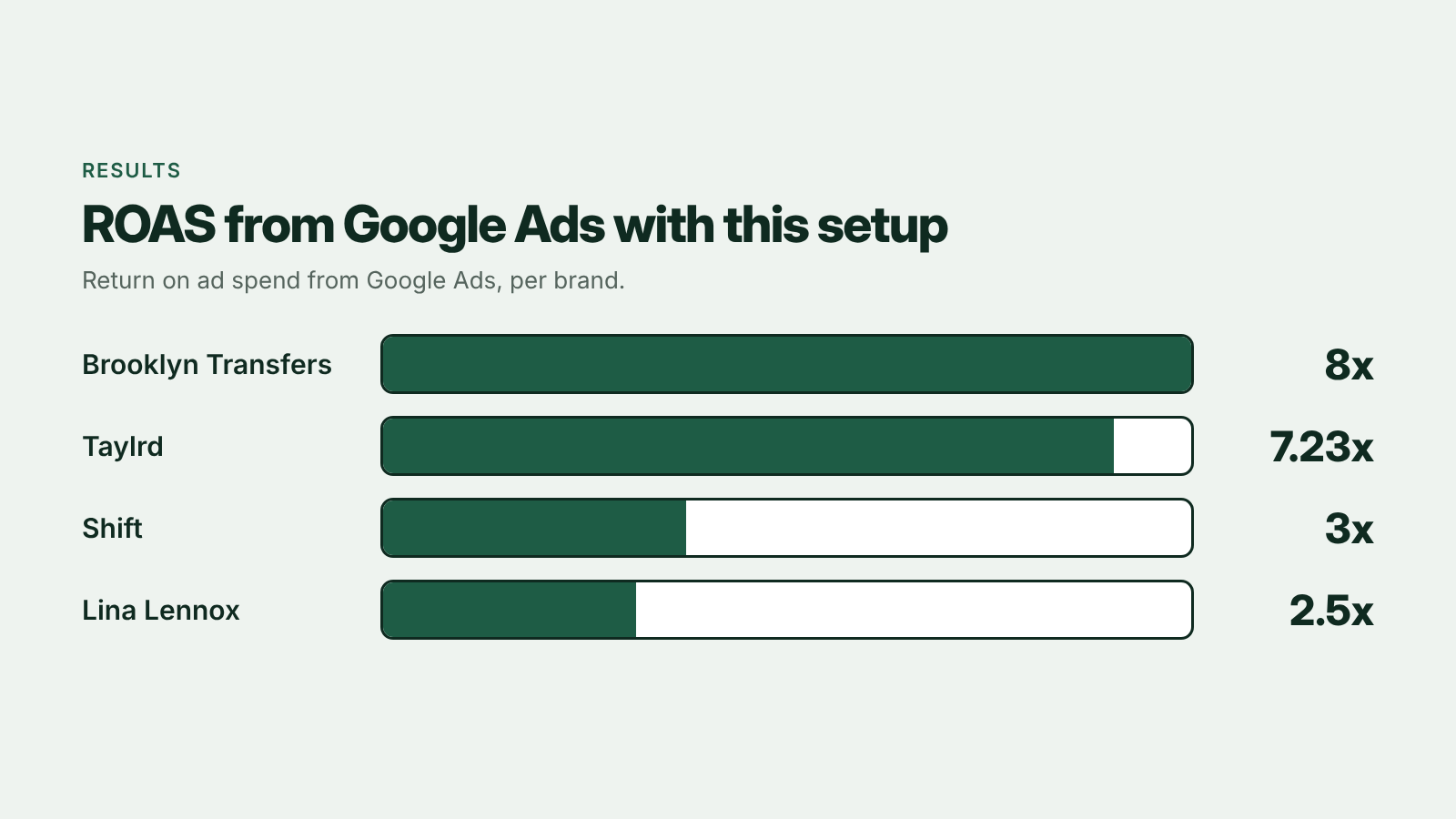
| Brooklyn Transfers | DTF transfer printing | 8x |
| Taylrd | Premium menswear | 7.23x |
| Shift | Zero-nicotine pouches, a brand-new category | 3x |
| Lina Lennox | Organic silk bonnets | 2.5x |
Four very different stores, from a local print shop to a product category people didn't know to search for yet. What they had in common was the structure: brand kept separate, prospecting and remarketing split, and enough creative for Performance Max to work with. More detail on each account is in my Google Ads portfolio.
What this post leaves out (and why it's a conversation)
The structure is the easy part to describe. Getting it to perform is in the details, and they change for every store. Here is some of what I would work through with you:
- Conversion tracking that matches Shopify orders before a dollar goes into the new campaigns. I cover the wiring in How Do I Connect Google Ads to Shopify Using Claude?.
- How to split the two asset groups for your catalog, and which audience signals go in each
- Which lists define "remarketing" for your store, and how far back they should go
- The Merchant Center feed: disapprovals, product titles and custom labels
- Budget split and ROAS targets across the three campaigns, and when to move money between them
- How Google fits with your Meta ads, so one doesn't take credit for the other's sales. See paid ads for Shopify.
Want this setup on your store? Book a free 30-minute call and bring your Google Ads account.
Book a call
In 30 minutes I'll look at your Google Ads account, your tracking and your Shopify numbers, and tell you what I'd change first, whether or not we work together. If you want to see how I work first, start with Google Ads for Shopify.