Most Shopify stores don't have a marketing automation problem. They have three tools that each automate a different slice, and nobody deciding what should be automated in the first place. Here is the order I set it up in.
The short answer
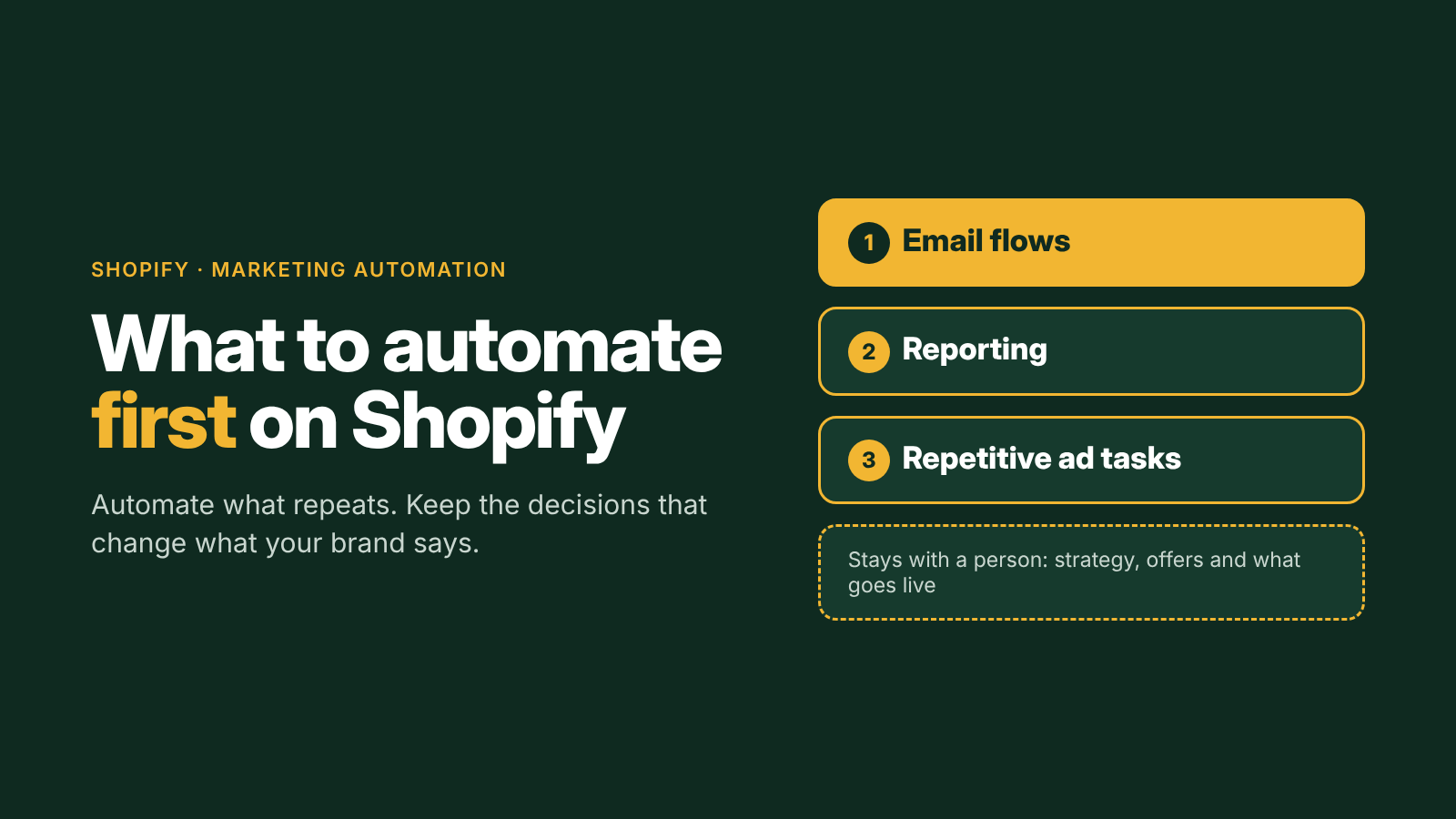
Automate the work that repeats on a schedule or a trigger, and keep the decisions that change what your brand says. On Shopify that means email flows first, because they earn from traffic you already paid for. Reporting comes second, so you see results without building spreadsheets. Only then automate the repetitive parts of your ads. Strategy, offers and what goes live stay with a person.
What's actually going on
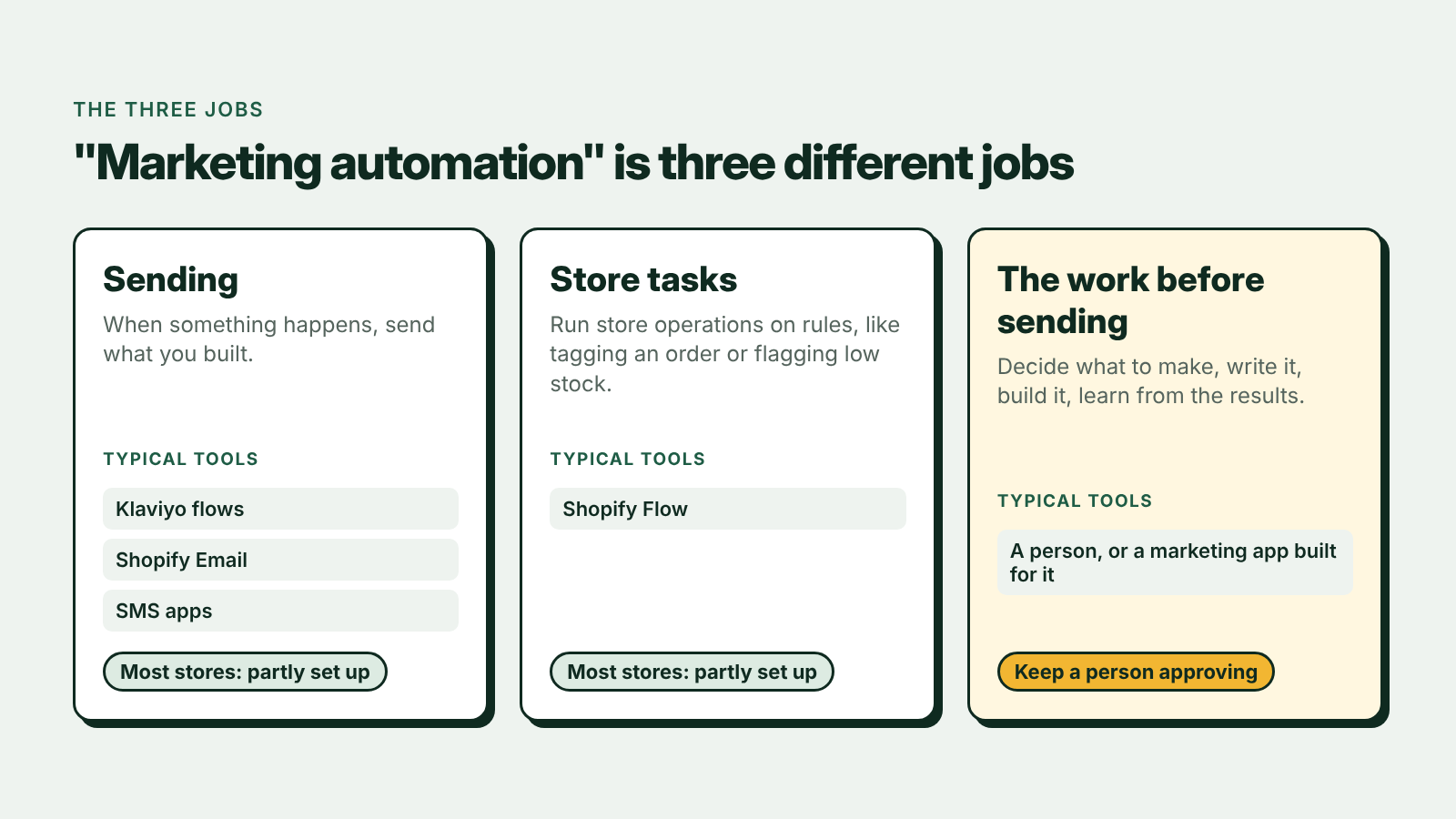
"Marketing automation" covers three different jobs, and most tools only do one of them:
| Job | What it means | Typical tools |
|---|---|---|
| Sending | When something happens, send what you built | Klaviyo flows, Shopify Email, SMS apps |
| Store tasks | Run store operations on rules, like tagging an order or flagging low stock | Shopify Flow |
| The work before sending | Decide what to make, write it, build it, learn from the results | Usually a person, or a marketing app built for it |
Most stores have the first two partly set up. The third is where the hours go every week, and it's also where mistakes are expensive, which is why I always keep a human approval step in it.
What to check first
- List what you do by hand every week. Reports, campaign emails, ad budget changes, review requests, customer tags. Anything you do the same way twice a week is a candidate.
- Check that your core email flows exist and are live. Welcome, abandoned checkout, post-purchase and winback. Many stores have them sitting in draft, or set up once and never revisited. I cover each one in Shopify Email Automation: The 4 Flows Every Store Needs.
- Check your data before you automate on it. If your pixel double-counts or Klaviyo isn't receiving Shopify orders (Klaviyo lists what it should receive in its Shopify data reference), automation just sends the wrong thing faster. I cover the setup in How to Connect Meta Ads to Shopify Using Claude.
- Decide what needs approval. New customer-facing work (copy, offers, ads) should be approved by a person. Things that run on settled rules, like sending an approved flow or tagging an order, can run on their own.
The one fix to start with
Get the four core email flows live before you automate anything else.
They run on traffic you've already paid for. Every visitor your ads bring in passes through at least one of them, so a missing or broken flow quietly taxes every dollar of ad spend. In order:
- Welcome, triggered when someone subscribes.
- Abandoned checkout, triggered when someone starts checkout and doesn't finish.
- Post-purchase, triggered when an order is placed.
- Winback, triggered when a customer goes quiet past your normal repurchase window.
If you want them drafted for you, Tilly, the Shopify marketing app I built, reads your store and your reviews, writes these flows, and puts them into Klaviyo as drafts, so nothing sends until you approve it. That's the principle behind marketing automation you approve, and it's the same rule I follow with clients.
The rest of the fix (and why it's a conversation)
Once the core flows are live, what to automate next depends on your store, your team and your spend. Here is some of what I would work through with you:
- Which flows to add after the core four, such as browse abandonment, replenishment or VIP
- Automated weekly reporting across Shopify, Klaviyo and your ad platforms
- Which ad tasks to automate and which to keep manual (more in How to Automate Meta Ads for Shopify)
- Approval rules, so nothing off-brand or non-compliant goes out
- Support workflows that answer common questions before they become tickets
Want to know what to automate first on your store? Book a free 30-minute call and bring your Shopify and Klaviyo numbers.
Where this has worked
At Lina Lennox, I built full Klaviyo automation (welcome, abandoned cart, post-purchase and replenishment) and moved routine Shopify admin, like seasonal price updates and bulk edits, onto prompt-driven workflows with a sample-and-approve step before anything touched the live store. That was part of a 60-day engagement in which sales grew 100%. At Shift, automated weekly reporting and proactive support workflows helped cut customer response times by 40%.
Book a call
This post gives you the first move. The right next ones depend on your store. In 30 minutes I'll look at your Shopify, Klaviyo and ad numbers and give you a short list of priorities, whether or not we work together. If you want to see how I build these systems first, start with Shopify growth systems.