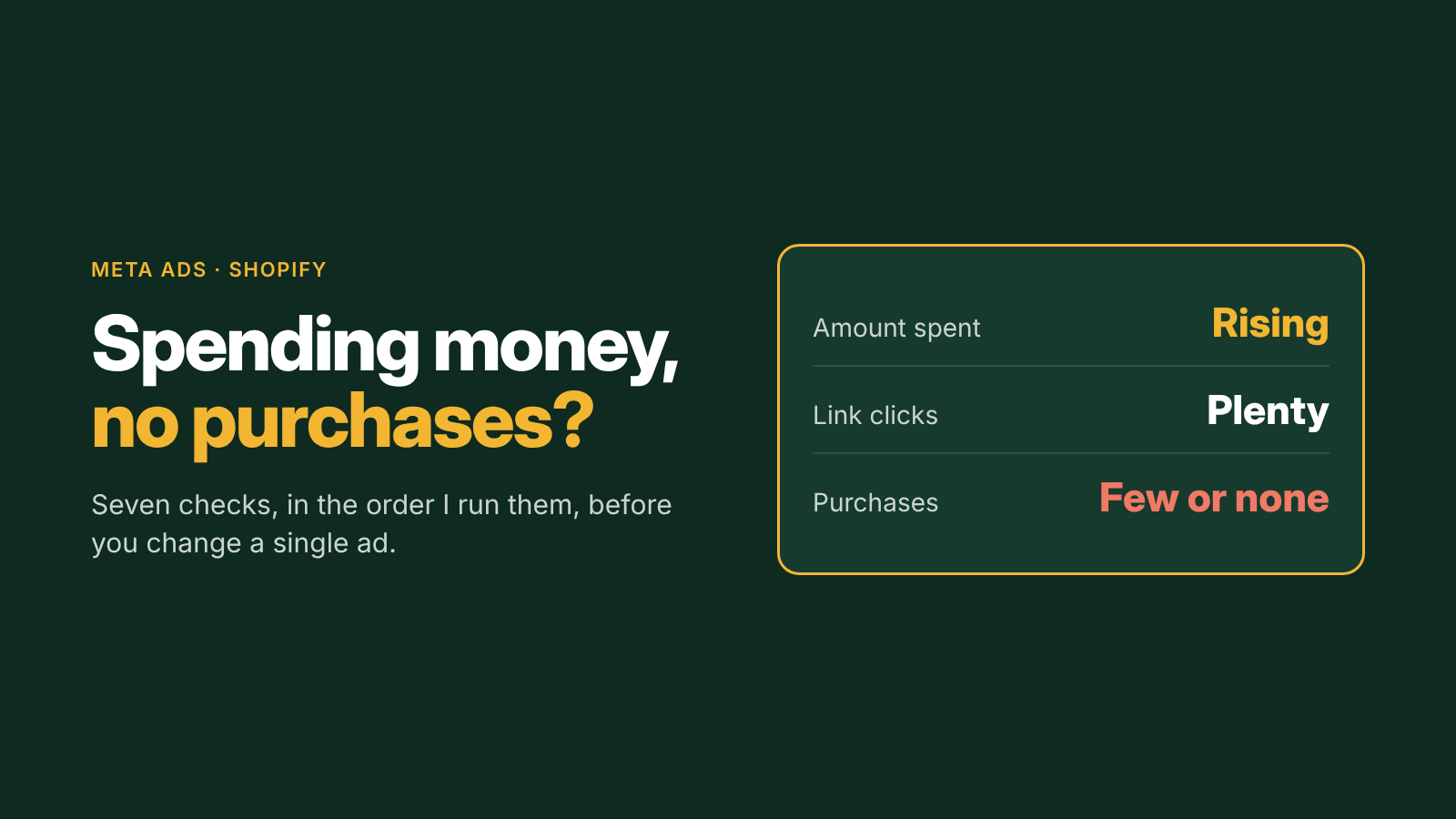
Your Facebook ads are spending. People are clicking. Shopify isn't moving. It's the most common reason Shopify founders contact me, and the cause is almost never the one they suspect first, which is usually "the ads are bad".
The short answer
When Meta ads spend without producing purchases, the problem is usually in one of three places: Meta isn't optimizing for purchases (or can't see them), the people clicking aren't buyers, or the store isn't finishing the job. Check them in that order. Changing the creative before you've ruled out the first one wastes another month of budget.
Seven checks, in the order I run them
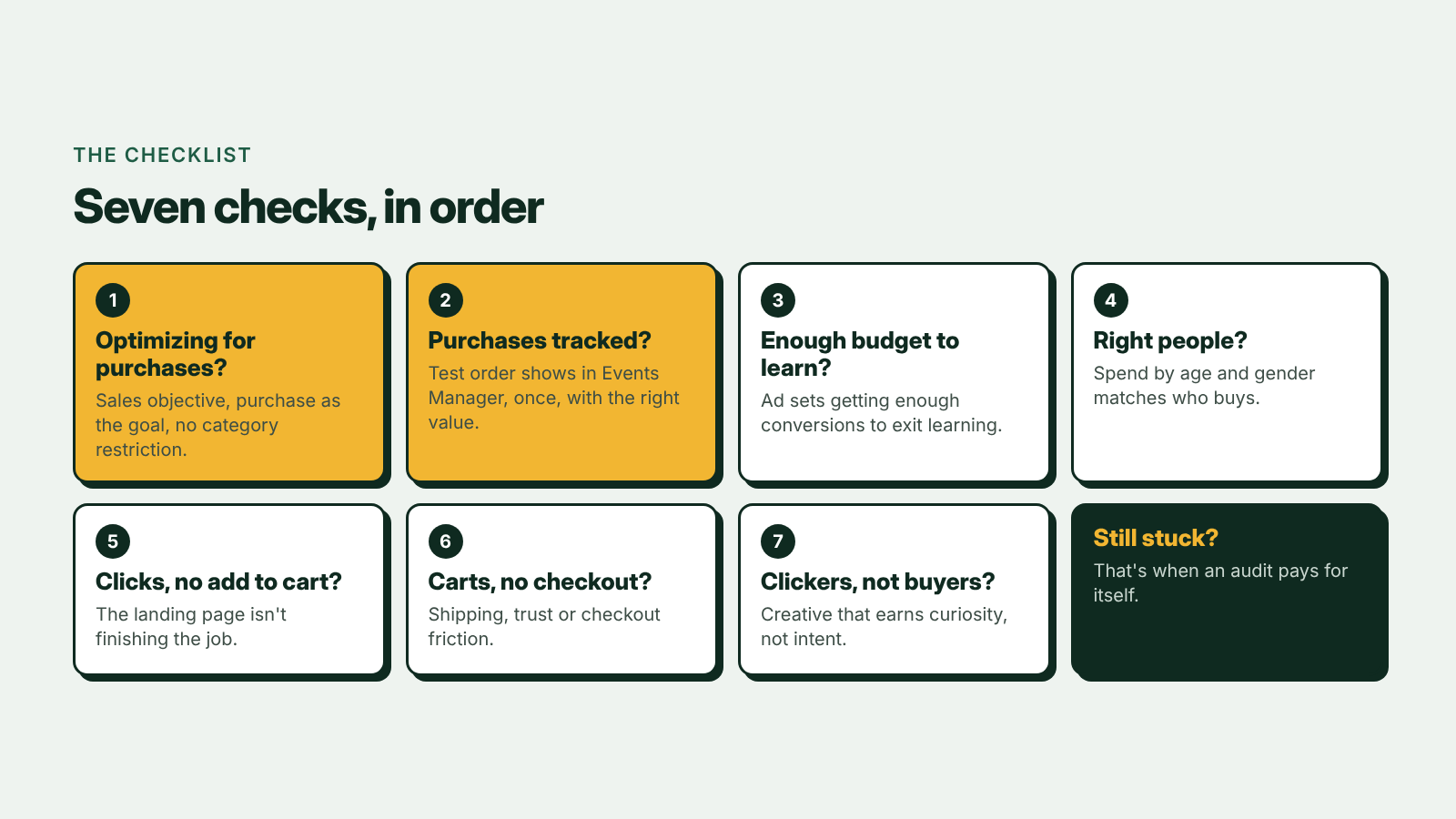
1. Is the campaign actually optimizing for purchases?
Check the campaign objective is Sales and the ad set's performance goal is purchases, not clicks, landing page views or engagement. Meta delivers exactly what you ask for: optimize for clicks and it will find people who click and don't buy.
Health, wellness and supplement brands should also check whether their account has been restricted from optimizing for purchases. Forcing a sales campaign on a restricted account gets you cheap engagement at an expensive CPM, which is exactly how one supplement brand ended up in $200 CPM jail.
2. Can Meta see your purchases?
Place a test order and check it appears once in Events Manager as a Purchase, with the right value and currency. If it doesn't appear, Meta has nothing to learn from. If it appears twice, your numbers are inflated and Meta is learning from bad data. The fix is the Pixel and Conversions API set up with deduplication. I cover what a full check involves on the Meta Pixel and Conversions API audit page.
3. Does each ad set have enough budget to learn?
Meta needs a steady flow of conversions to get an ad set out of the learning phase. Ten ad sets on $10 a day each will rarely get there; two with the same total budget might. If your ad sets are stuck in "Learning limited", consolidate. Meta Ads Structure by Spend Level shows how many campaigns a budget can support.
4. Is Meta showing the ads to the right people?
In Ads Manager, break results down by age and gender. If a large share of spend is going to people who never buy from you, that's the leak. Advantage+ audiences treat most targeting as suggestions, so you steer delivery with exclusions and value rules rather than interest targeting.
5. Clicks, but no add to cart?
The ad did its job and the page didn't. Does the landing page say the same thing the ad said? Can someone on a phone see the price, the offer and the reason to trust you without scrolling? How to Increase Your Shopify Conversion Rate From Meta Ads goes through the page step by step.
6. Add to carts, but no purchases?
Look at where people drop between cart and order in Shopify's behaviour reports. The usual causes are shipping costs that appear late, missing payment options, or a checkout that asks for too much on a phone.
7. Is the creative attracting clickers instead of buyers?
Some ads earn clicks from curiosity rather than intent: vague hooks, giveaway-style offers, or a video that's entertaining but never shows the product. A high CTR with almost no add to carts is the sign. Write for where your buyer already is; How to Increase CTR on Meta Ads for Shopify covers how.
What not to do
Don't respond by switching ads off one by one or launching a new round of creative every few days. Every big edit resets learning, and judging ads on two days of data means you never find out what works. The rules I use instead are in The Meta Ads Testing Rules We Use.
When to get help
If you've been through all seven and still can't see the problem, or you suspect several at once, that's what an audit is for. I'm an independent Meta ads consultant for Shopify brands in Canada and the US, and I do the audit and the fixes myself, in your account.
- Fixed-price audit: $300 USD for a written fix list and a recorded walkthrough, within 3 business days of access.
- Hourly: $75 USD an hour for troubleshooting, available within an hour, Monday to Friday, 9am to 4pm Eastern.
- Monthly: from $689 USD a month for Meta and Google Ads together, which starts with the audit and tracking fixes.
Full details are on the pricing page, and how I run accounts is on Meta ads for Shopify.